
Microsoft Entra roles
Activate directory roles such as Global Reader or Password Administrator at directory scope.
TeamsPIM gives requestors a dashboard and approvers an inbox-free way to decide, all inside Microsoft Teams and all enforced by Microsoft Entra PIM.
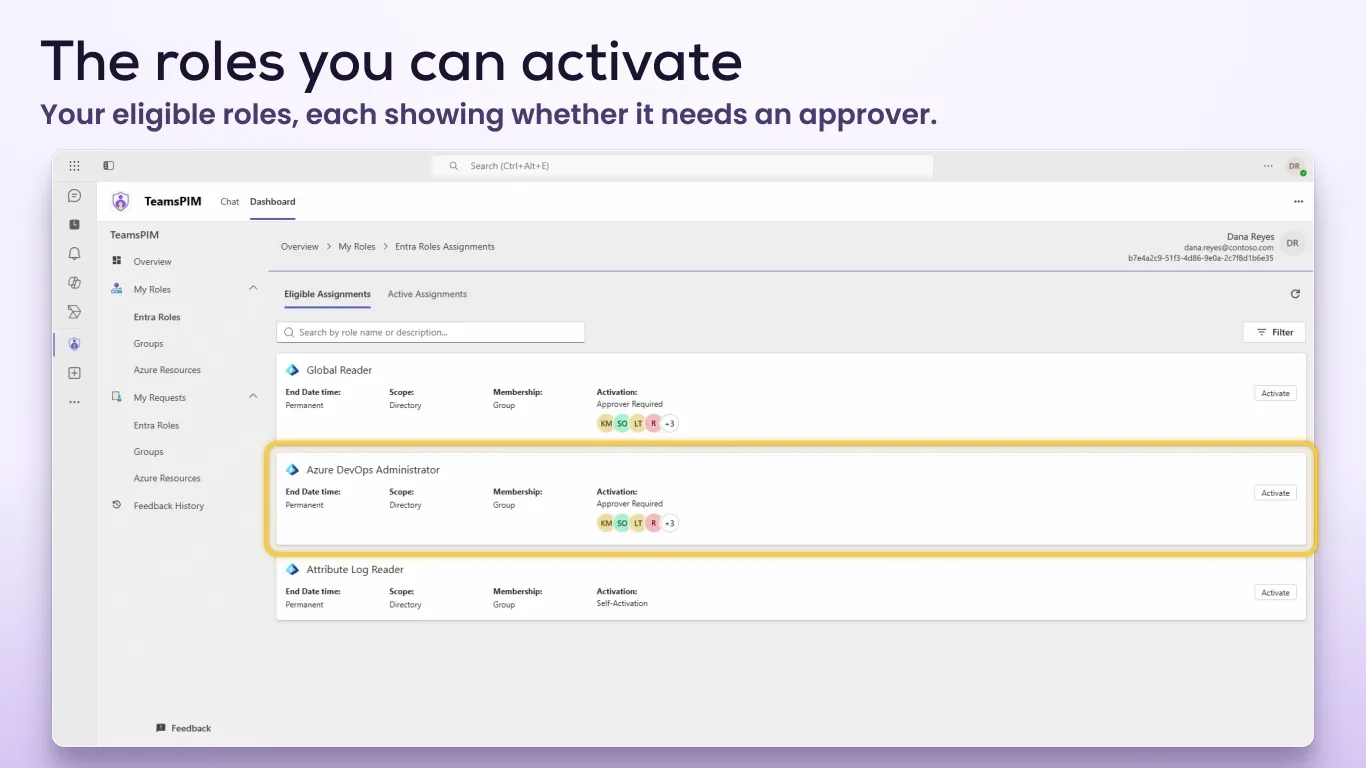
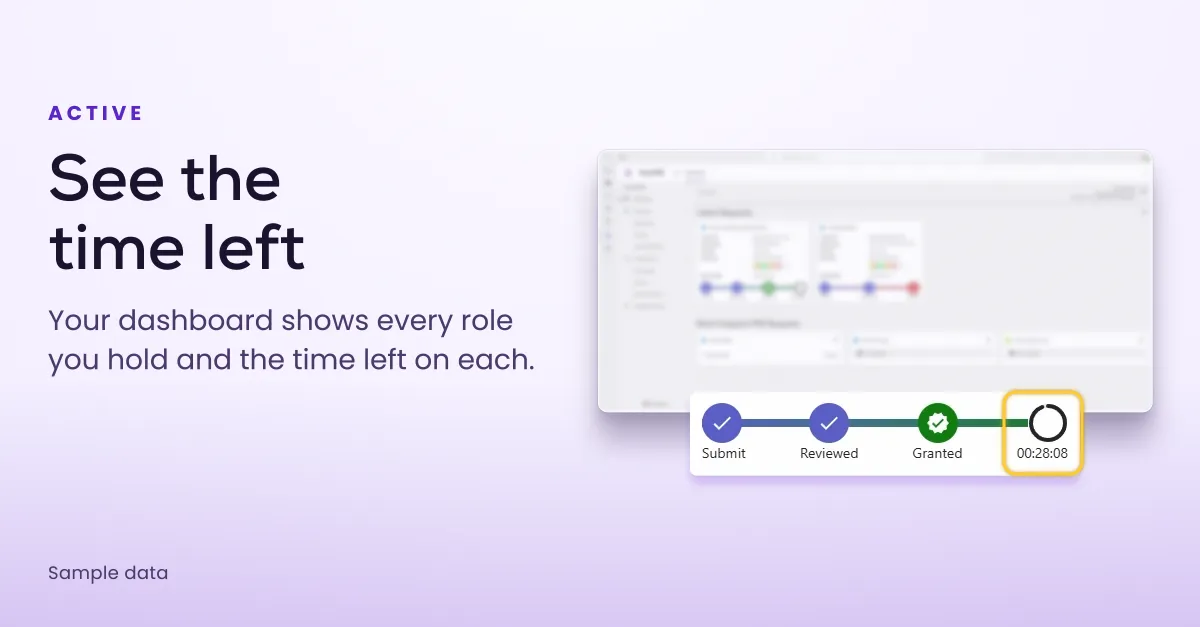
The Dashboard tab lists everything you're eligible for and shows exactly what each role requires before you ask.
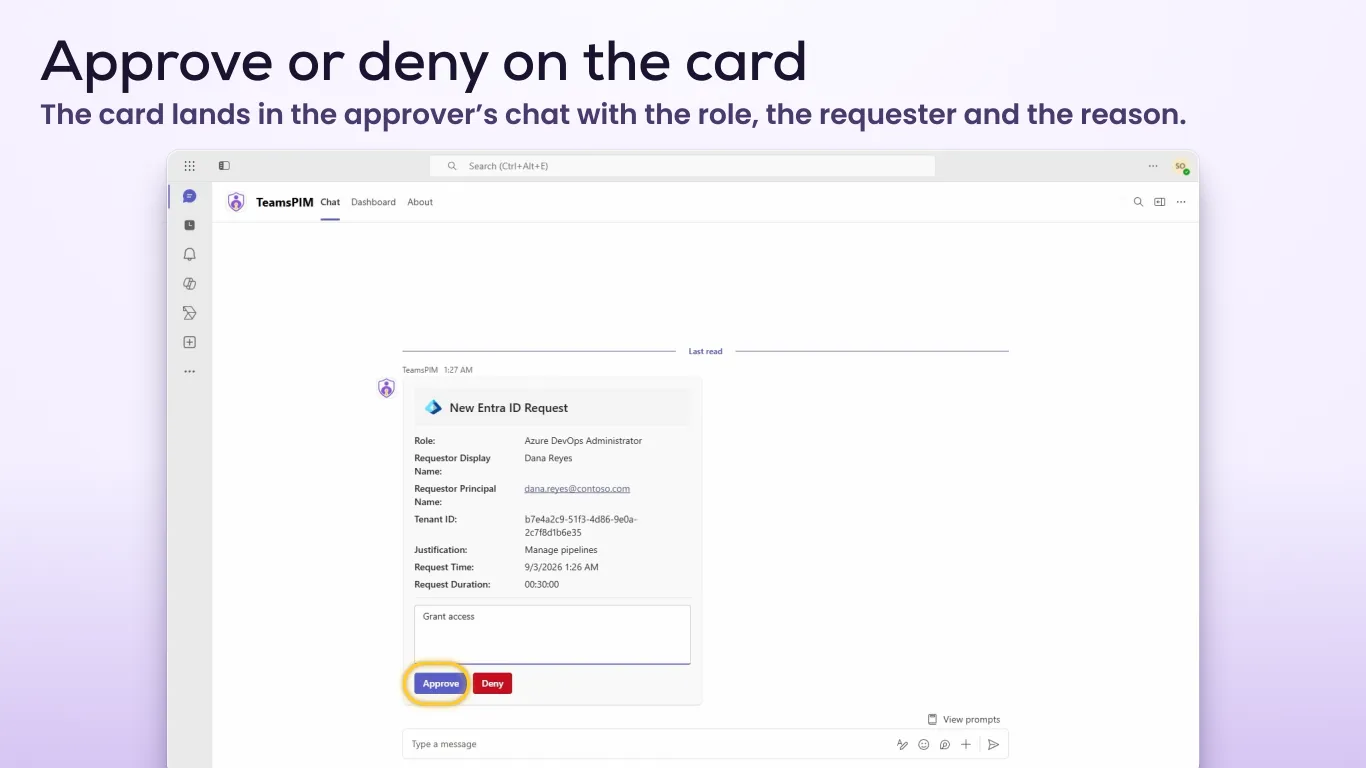
Approvers named in a role's PIM settings get an adaptive card in their personal TeamsPIM chat when a request needs them.
TeamsPIM covers the three kinds of PIM eligibility most teams use every day.
Activate directory roles such as Global Reader or Password Administrator at directory scope.
Activate membership or ownership of Security and Microsoft 365 groups managed by PIM.
Activate Azure roles on subscriptions and resource groups, once an administrator connects the subscription to TeamsPIM.
Users with an active Global Administrator, Privileged Role Administrator, Security Administrator, Global Reader or Security Reader role get a PIM reports page in the Dashboard.
See how eligible and active assignments are spread across roles and scopes.
Activations over the last seven days, plus new eligible and active members.
Which roles, groups and resources were used in the last 30 days.
The full Dashboard and the approval cards in the Teams desktop app and Teams on the web.
The Dashboard adapts to small screens with a collapsible menu, and approval cards work in Teams mobile, so approvers can decide from their phone.
TeamsPIM follows the theme you use in Teams: light, dark or high contrast.
The TeamsPIM Customer Admin Portal is where you manage licences, Azure access and directories. Everything else stays in Microsoft Entra PIM, where you already configure it.
Assign licences to individual users, or to every member of a group at once.
Assigning a licence also installs TeamsPIM in that user’s Teams, wherever your Teams app policies allow it.
Connect the Azure subscriptions whose roles people should activate through TeamsPIM.
Add up to 10 tenants to one subscription, so people can switch directory inside TeamsPIM.
Add colleagues as subscription administrators so they can manage licences too.
Roles, assignments and approvals stay in Microsoft Entra ID and Azure. TeamsPIM reads and acts on them through Microsoft APIs.

Follow the setup guide to subscribe, grant consent and assign licences. Then your people can request and approve roles right in Teams.